 Português (Portugal)
  Español (España)
  English (United Kingdom)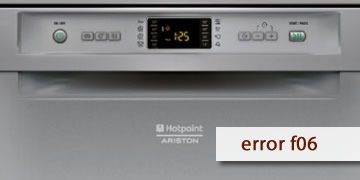
F06 Error on Hotpoint Dishwashers
Table of contents
What the F06 error usually means on a Hotpoint dishwasher
The F06 error on Hotpoint dishwashers usually appears when the appliance detects a lack of water or insufficient filling. In practice, it tries to take in water at the start, but it does not reach the expected level and the program stops.
It usually shows up like this:
- It starts and shortly after stops with the code
- You can hear it trying to fill, but little or no water enters
- The cycle does not continue because it does not reach the minimum level
How to clear F06 and what to check so it does not come back
With F06, most causes are external (tap, water pressure, inlet filter). If you correct that, it is often solved without anything further.
- Check the water supply and tap
- Make sure the shut-off tap is fully open
- If there is low pressure or a water outage, wait and try again later
- Inspect the inlet hose
- Check that it is not bent, crushed, or under strain
- If it has an Aquastop-type system, make sure it is not under tension
- Clean the inlet filter
- Turn off the tap
- Unscrew the hose and clean the mesh/filter
- Reassemble it and turn the tap back on
- Complete reset and short test
- Unplug it from the power supply for 5 minutes
- Plug it back in and test a short program while monitoring the filling
- When it is best to call service/technician
- F06 comes back with the tap open and the filter clean
- No water ever enters and the fault always appears at the start
- The water installation is correct and the problem persists
In that case, the inlet valve and the associated level control are usually checked
F06 is often resolved by restoring the water supply: opening the tap, correcting the hose, and cleaning the filter. If it comes back with everything in order, the most efficient solution is to inspect the valve or the filling control system