 Português (Portugal)
  Español (España)
  English (United Kingdom)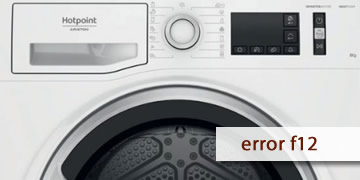
Error F12 on Hotpoint dryers
Table of contents
What the F12 error usually means on a Hotpoint dryer
The F12 error on Hotpoint dryers usually indicates a communication problem between electronic modules, such as the display/control panel and the main board. When the appliance detects that there is no reliable data exchange, it may block the cycle or prevent the dryer from starting as a safety measure.
Typical signs are:
- The dryer does not start or becomes unresponsive
- The panel works intermittently or shows unusual behaviour
- The code appears after power dips or abrupt reconnections
How to clear F12 and what to do if it comes back
With F12, the most useful step is a full reset and making sure the power supply is stable. If it comes back, a module diagnosis is usually needed.
- Complete electrical reset
- Turn the dryer off
- Unplug it for at least 2 minutes
- Plug it back in, wait 30 seconds and try a short cycle
- Make sure the power outlet is stable
- Avoid power strips
- If the socket feels loose, try another outlet
- If there are frequent power dips, the error may return
- Do not repeat attempts in a loop
- If F12 always comes back, keep retries to a minimum
- Note whether it appears when turning the dryer on or when starting the cycle
- When it is advisable to call technical service
- F12 reappears after a full reset
- The panel still malfunctions or the cycle does not start
- The error appears repeatedly on every attempt
In that case, the internal wiring between modules, the connectors and, if necessary, the main board or control panel are usually checked
If the F12 was a one-off issue, a full reset may solve it. If it keeps coming back, the most efficient solution is an electronic diagnosis to restore stable operation