 Português (Portugal)
  Español (España)
  English (United Kingdom)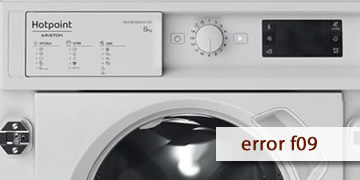
Error F09 on Hotpoint washing machines
Table of contents
What the F09 error usually means on a Hotpoint washing machine
The F09 error on Hotpoint washing machines is usually associated with an internal software/data fault (memory/EEPROM). In practice, the washer detects that the control information is inconsistent and may freeze the cycle, restart, or behave irregularly to protect itself.
Typical symptoms include:
- The program doesn’t progress or gets stuck
- The control panel responds oddly or the display shows unusual behavior
- The error appears after brief power interruptions or sudden power fluctuations
How to clear F09 and what to do if it comes back
With F09, the only truly useful user-level check is a proper power reset. If the code persists, it typically requires technical intervention (reprogramming or a module issue).
- Full power reset
- Turn the washing machine off
- Unplug it for at least 2 minutes
- Plug it back in, wait 30 seconds, and try a short program
- Avoid repeated causes (unstable power supply)
- Don’t use power strips
- If the outlet is loose, try a different socket
- If you have brief outages at home, this error can reappear
- When it makes sense to call a technician
- F09 returns after the full reset
- The panel keeps malfunctioning or the cycle won’t advance
- The error appears every time you power on or start a program
In that case, it’s common to check the electronic control module and its programming/internal data, because the appliance is detecting a real software/memory fault.
If F09 was a one-time freeze, a full reset may solve it. If it keeps happening, the most efficient route is a technician’s diagnosis of the electronics to correct the software or replace the module if needed.